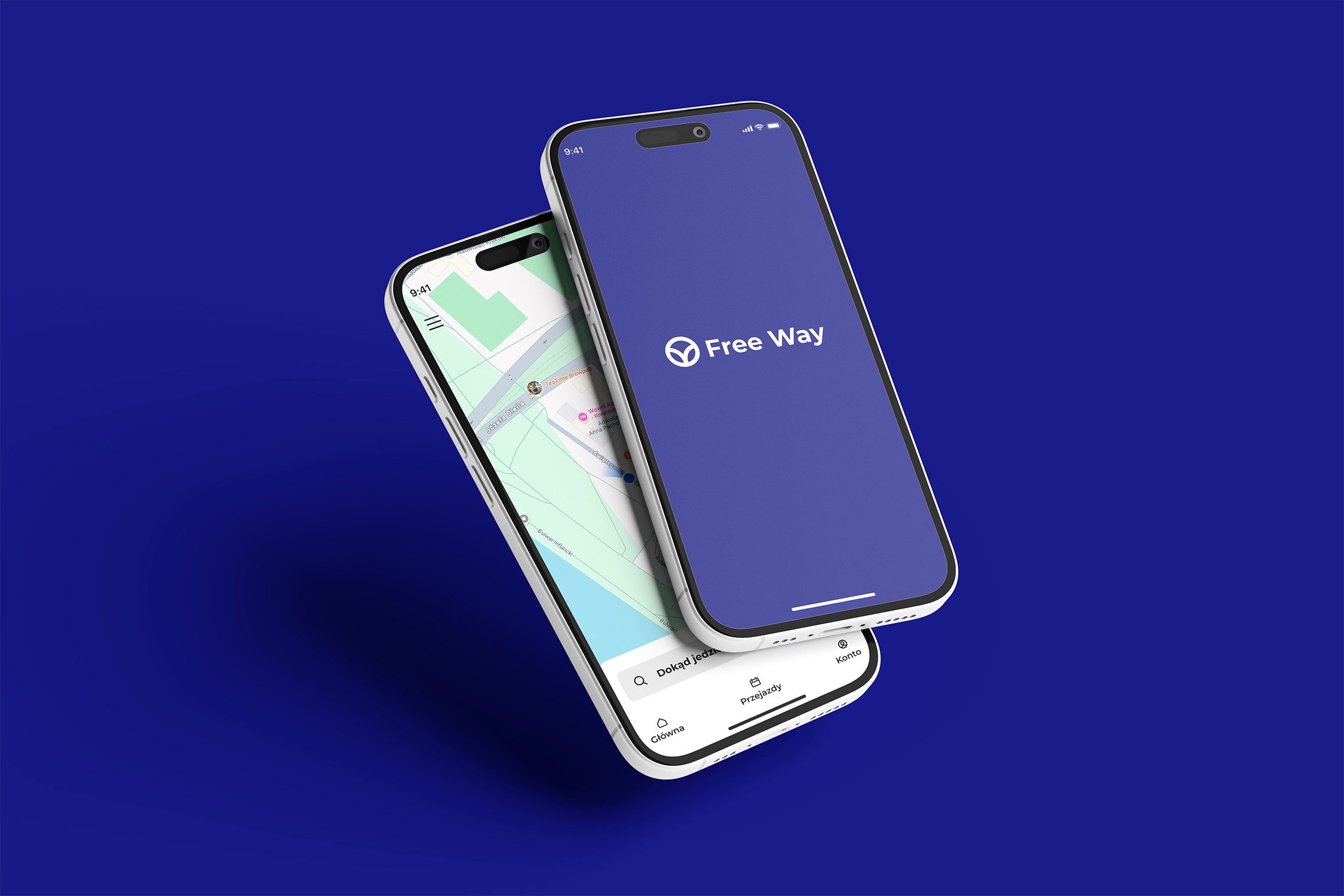
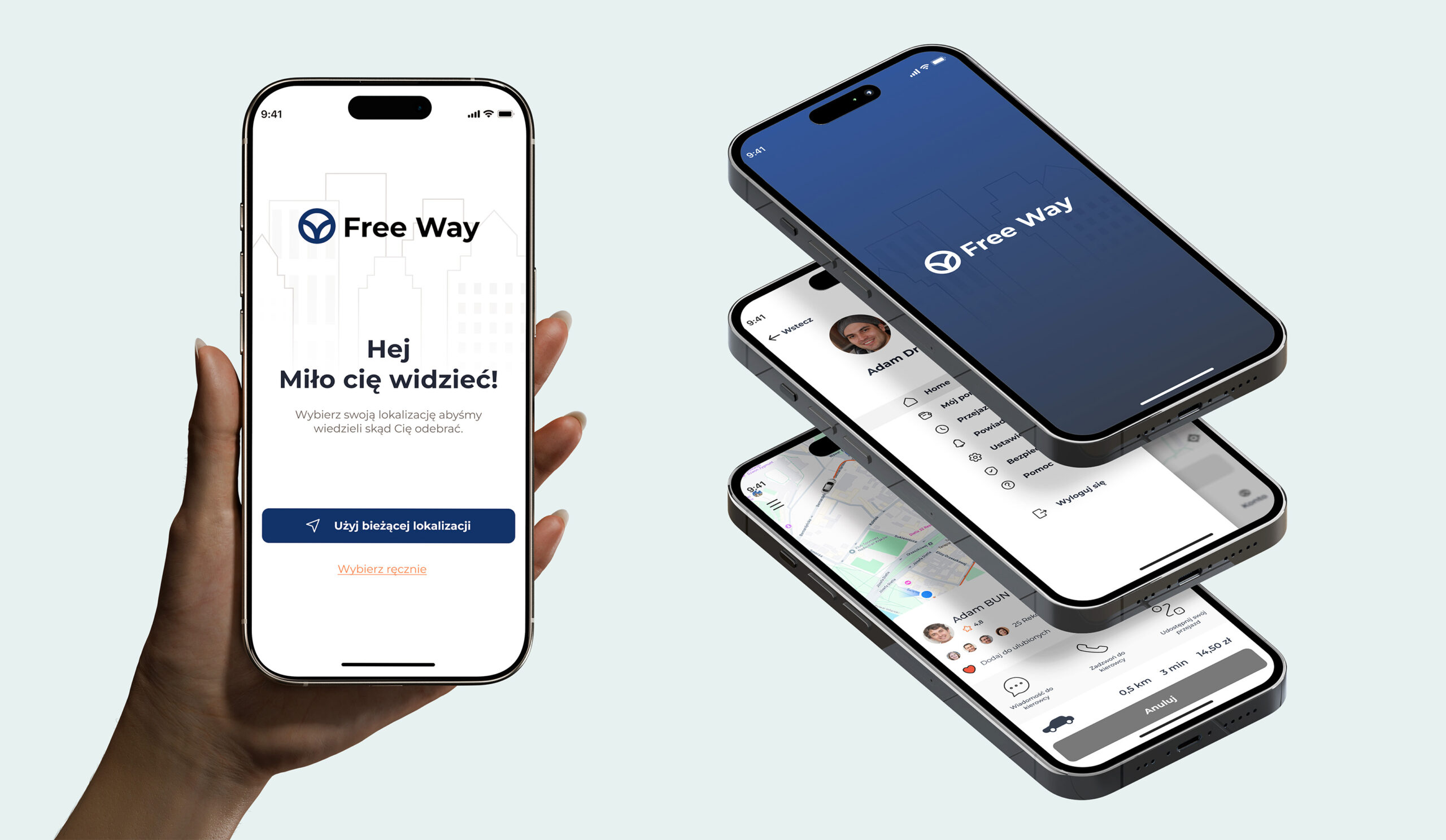
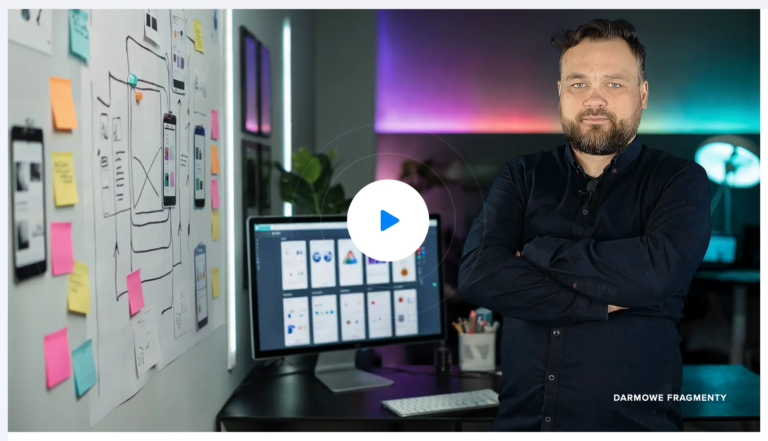
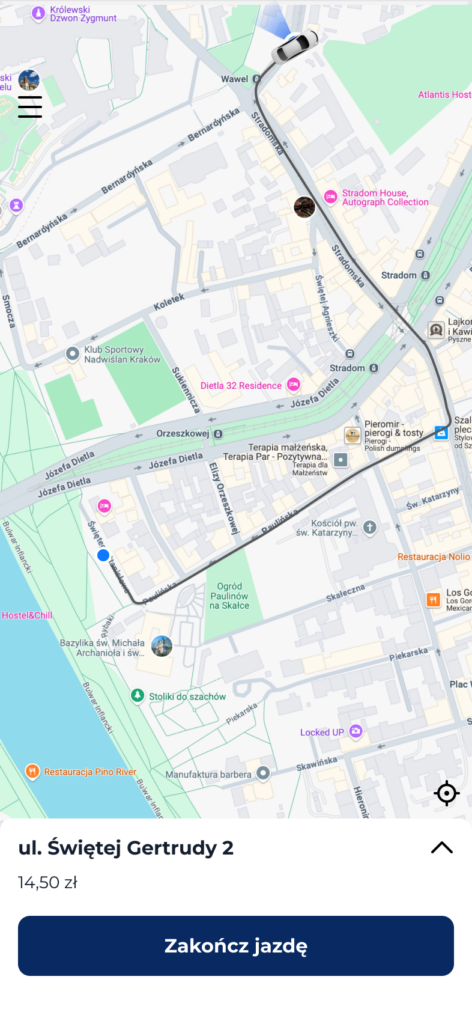
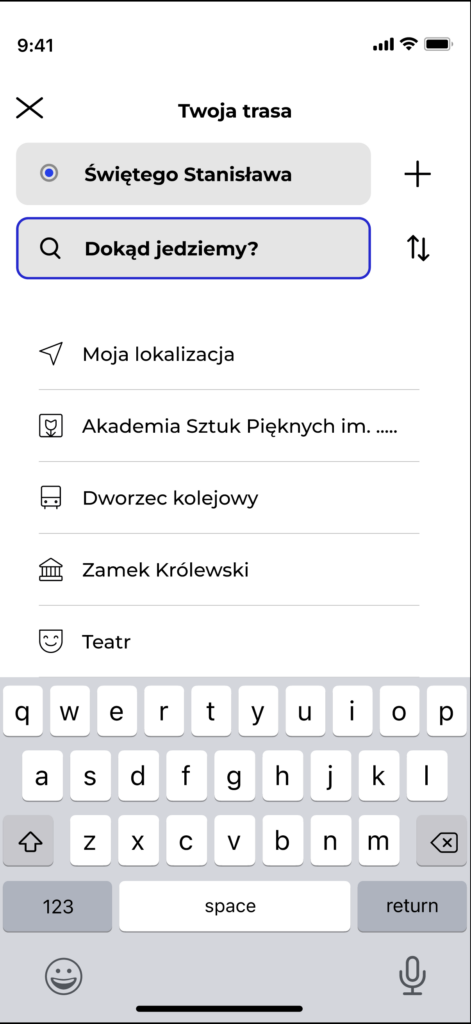
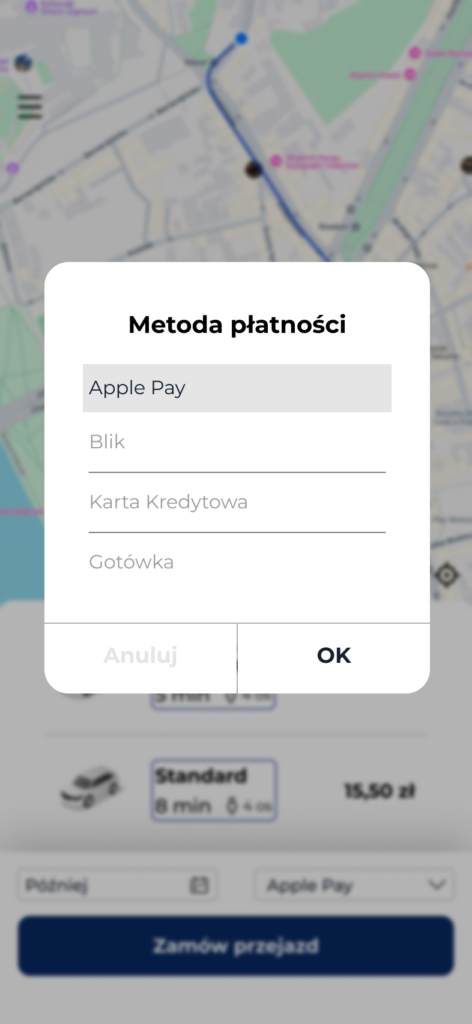
The Free Way app is an app that supports travel. The app design was created for the “Figma – practical app design from scratch” course for the strefakursow.pl portal.
I tried to create an educational path for people who want to master the process of designing mobile apps from A to Z, at a basic level, of course. The course focuses on showing what stages the design process should consist of, what should be taken into account in the initial processes (cognitive and research process, requirements analysis, roadmap creation, prototyping), and the practical process of designing individual application screens.
As this is basic knowledge, I tried not to show the complexities and to convey the basics in a quick and consistent manner so that anyone who wants to start designing digital products already knows what they will need and what they may encounter in the organization.
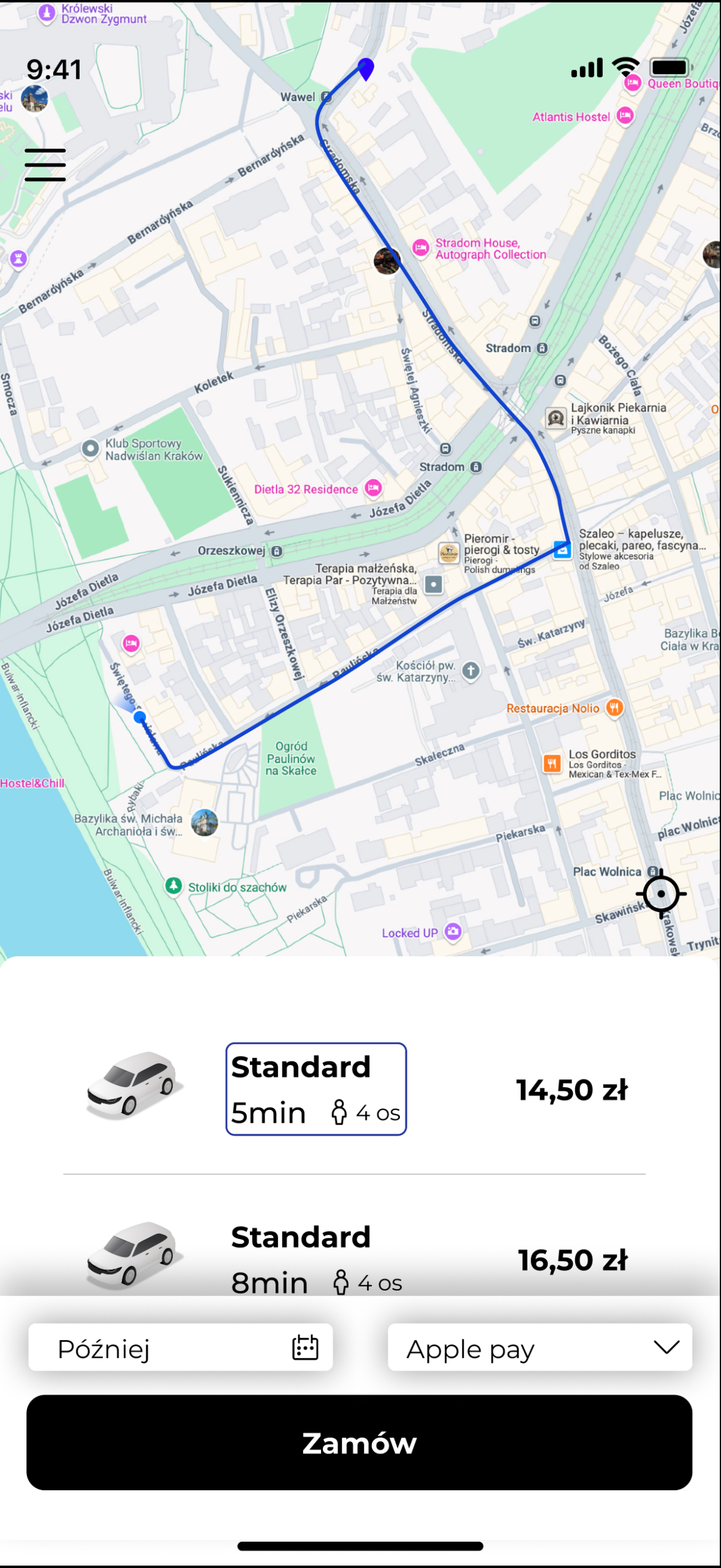
In addition, a mini product for ordering transportation was created, which can serve as the basis for designing a more advanced mobile application.
Key issues
UX/UI Process
The process of creating a real ride-sharing app project
Component design Building scalable systems, working with styles, typography, and advanced Figma features (Auto Layout, Constraints)
Multi-platform Explaining the differences in interface design for Android and iOS systems, teaching how to maintain consistency while preserving the specific characteristics of both platforms.
Prototyping and testing How to bring static screens to life with animation and how to optimize your design based on user feedback.
What was achieved during the course
Theoretical part We all know that this is always the most boring part, but I tried to explain in a simple and concise way what the application is and what tools I use when designing in Figma (Styles, Components, Auto-layout).
Course participants received brief introductions to typography in digital projects, project preparation, roadmap creation, and the use of wireframes.
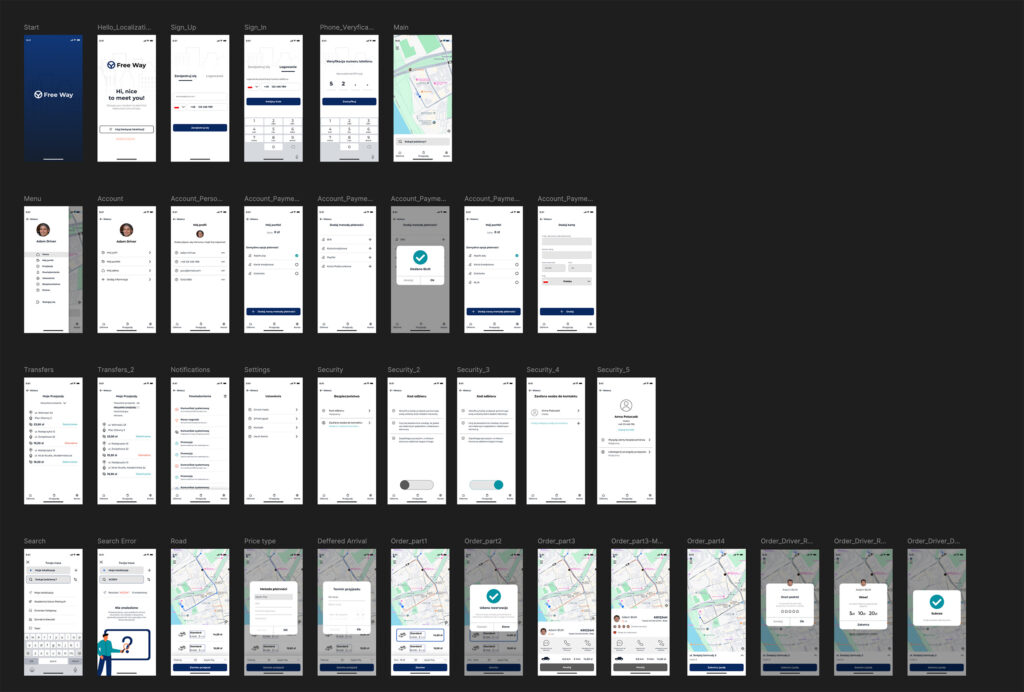
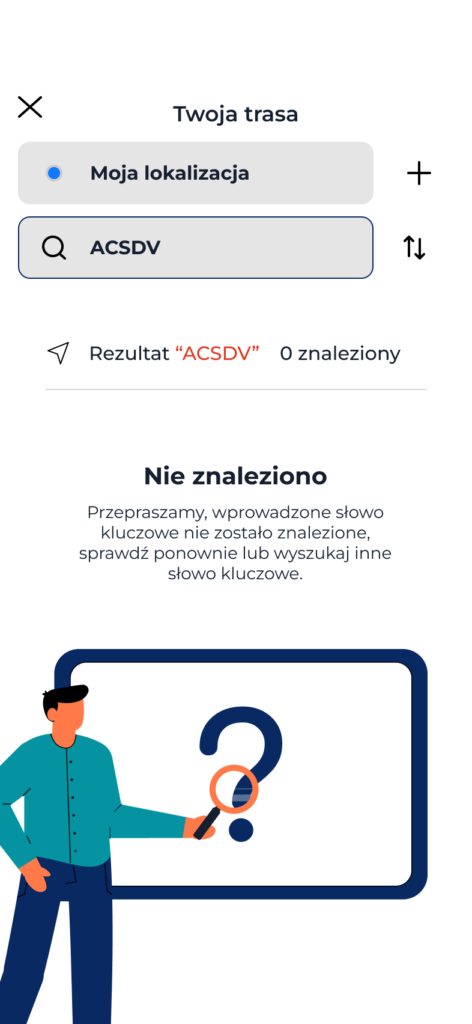
Practical part In this part, we built applications and went through the following screens: – Login screen – Main screen – Menu – Trip availability – Main profile – Driver profile – etc.
Conclusion Finally, I explained what online collaboration with a team and stakeholders entails. I discussed what project sharing involves and how to quickly test a project in Figma.
Do you like my work? Contact me and maybe we’ll do something cool together.